
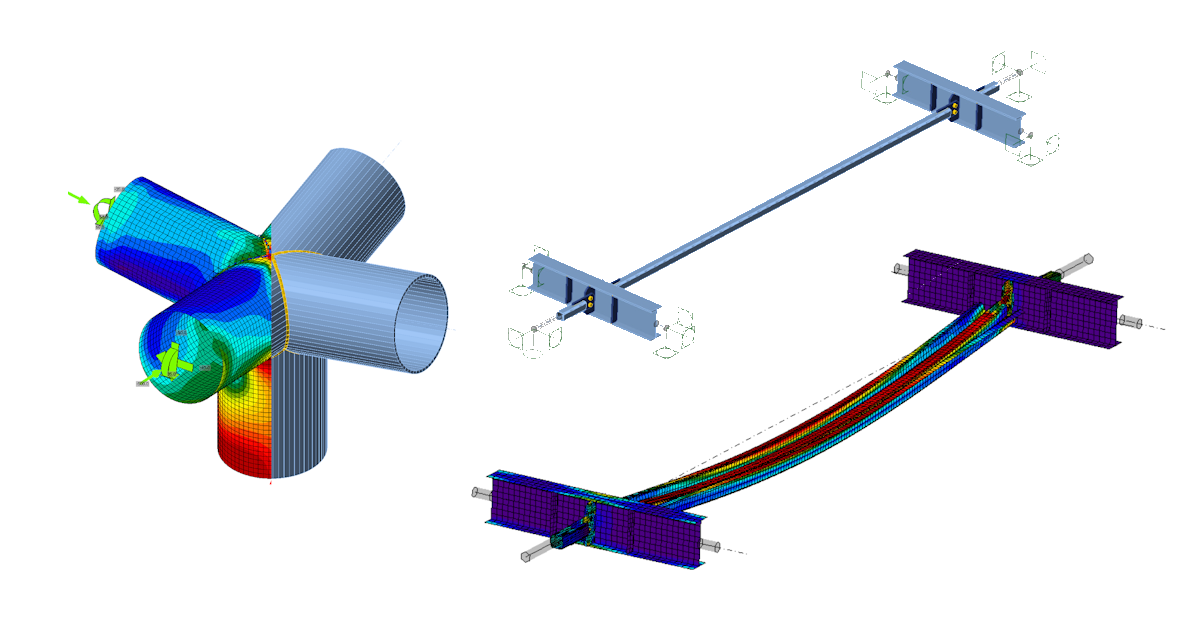


Choose from different types of analysis in Connection
Apart from your analysis of stresses in the joint, you can verify buckling, whether parts of your connections aren‘t too slender. You can check stiffness – is it rigid, pinned, or something in between? We can do capacity design for seismic check – make sure the plastic hinge forms where it should and the rest of the joint is OK. And of course, you have your code formulas included as well.
Find out how to change the analysis type.
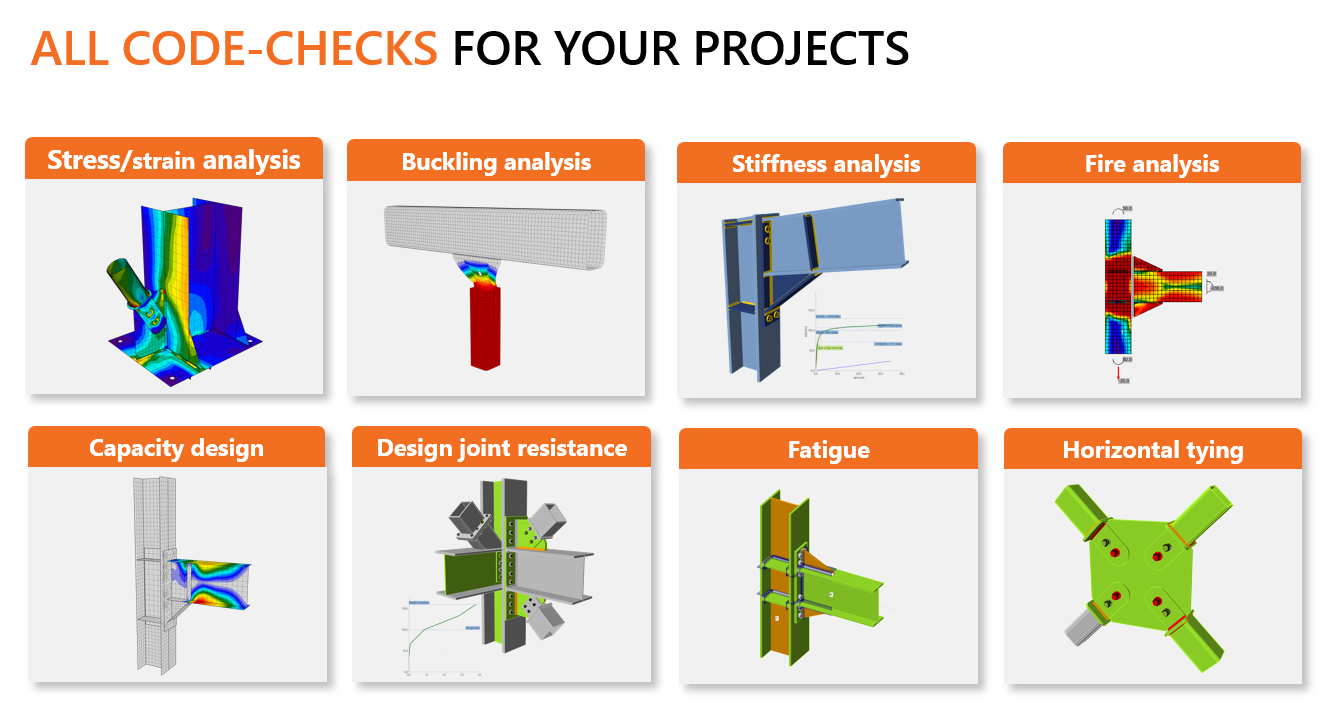
If you are interested in our different types of analyses read more in the dedicated articles.
- Stress/strain analysis of steel joints (default)
Analyze your structural member and check its stability in Member
IDEA StatiCa is not just about steel connections. We have another great tool to analyze the whole structural member in case you need a more precise solution to investigate the stability issues.
In IDEA StatiCa Member, you can find the three-step analysis workflow. The first step (Materialy Nonlinear Analysis – MNA) corresponds to the standard stress/strain analysis of the CBFEM model with the non-linear material. This model is subsequently used for the analysis of linear buckling (LBA) where the most critical buckling shapes are evaluated and displayed. In the third step, the selected shapes are loaded with a geometrical imperfection, and a full nonlinear analysis (GMNIA) is performed, which provides the final results.
Read more about IDEA StatiCa Member in its Theoretical Background or start with a tutorial.
Do you like to work with IDEA StatiCa? Ask for commercial license.
Get an offer