
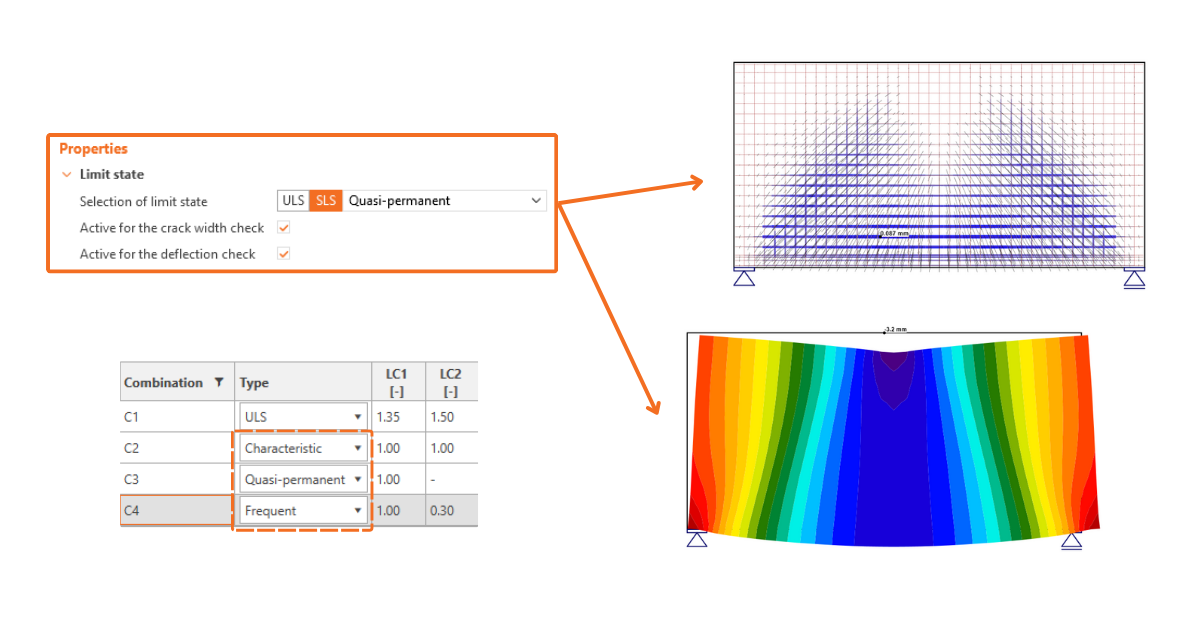


Therefore, the "Frequent" SLS combination type exists together with the other options for customizing checks and, consequently, the display of results. This allows the calculation to be tailored precisely according to the rules in national annexes and, depending on the calculated elements, even for specific cases of prestressed structures. Everyone now has the opportunity to fully utilize SLS code-checks in IDEA StatiCa Detail.
All combinations that may be needed
As already mentioned, the Frequent combination provides a set of combinations for SLS alongside the Characteristic and Quasi-permanent combinations. Each combination has its own significance and is used for a specific check.
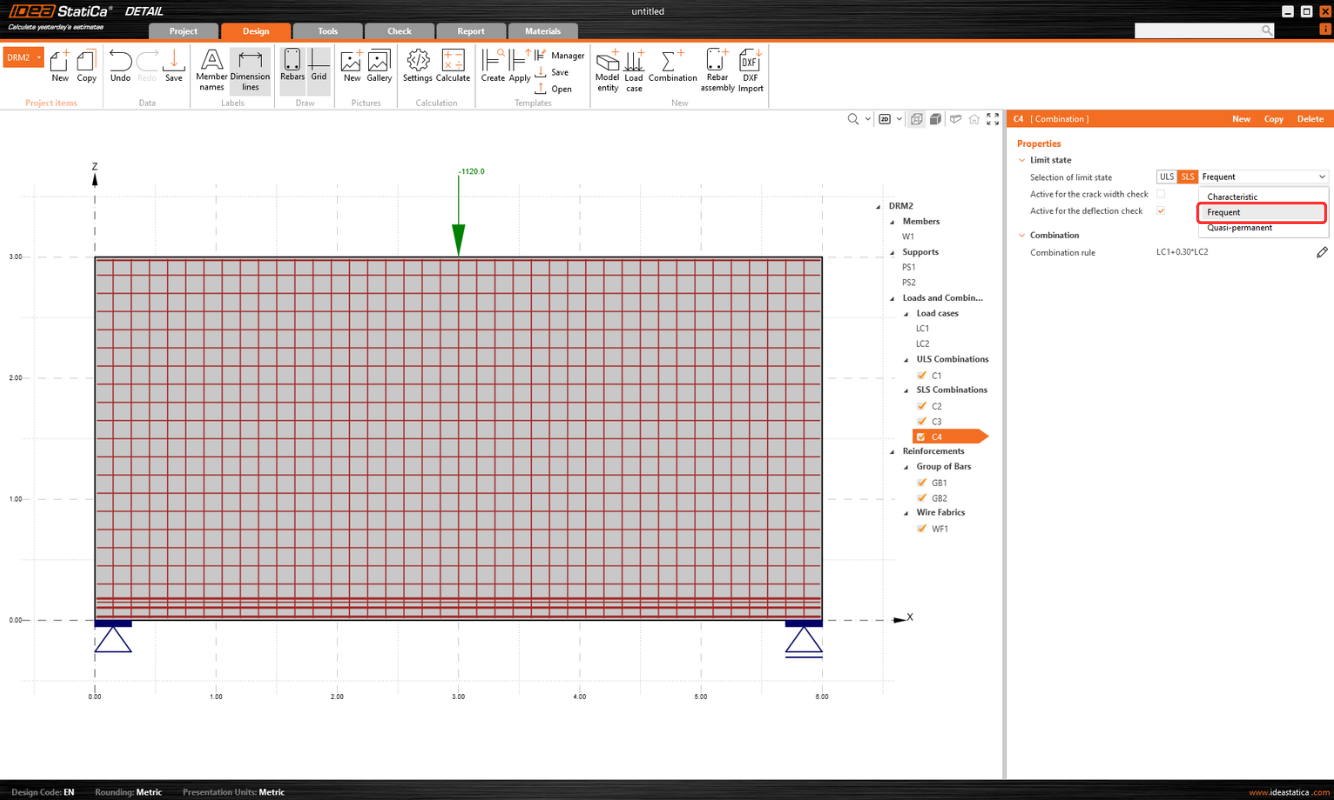
Default settings for the combination:
- The Quasi-permanent combination is used for crack width check
- The Frequent combination is used for crack width check
- The Characteristic combination is active for deflection check
Customizing checks without limitations
The checkboxes allow users to select any SLS combination for the deflection and crack width check. Users can specify which combination will be used for the deflection and/or crack width check by selecting the checkboxes in the Property grid.
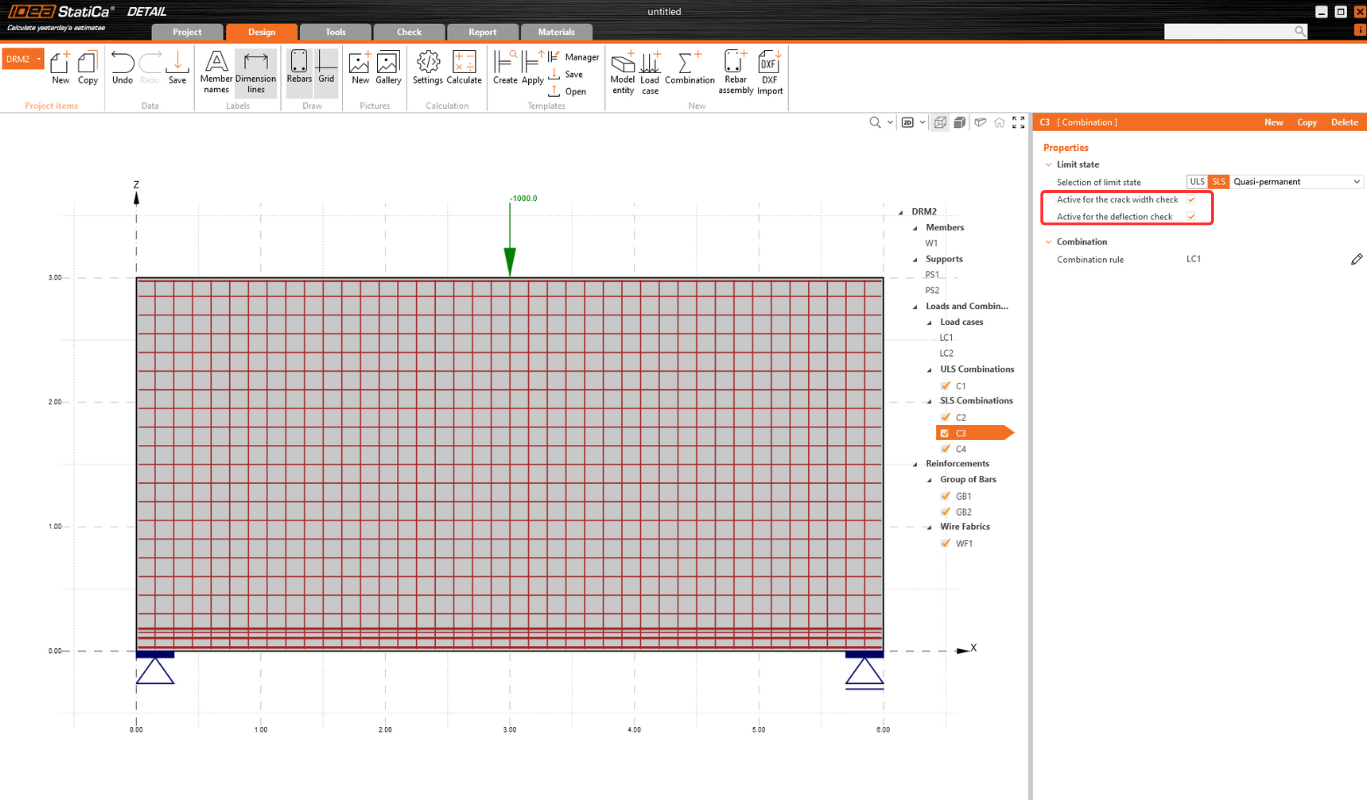
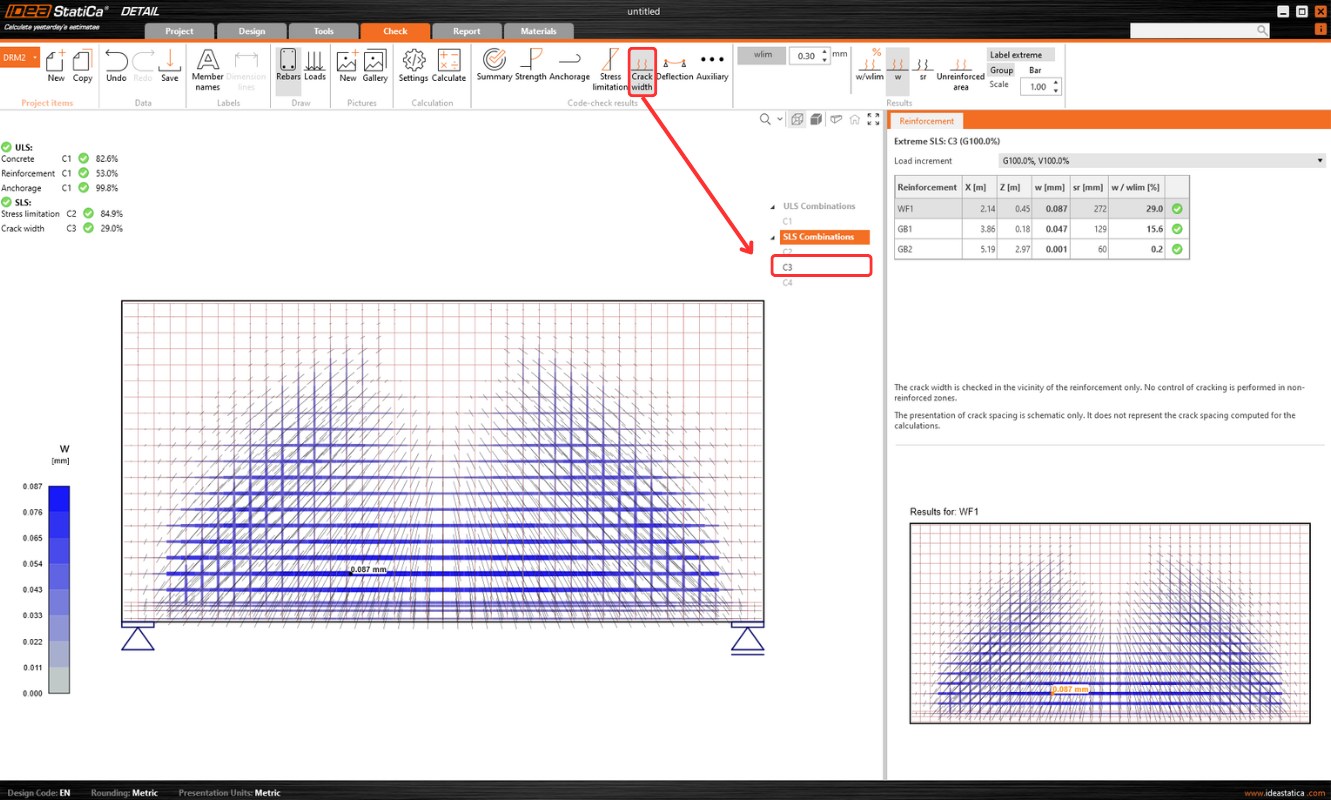
This behavior is considered for both the calculation itself and the presentation of results in the Check tab. When displaying results for the crack width check, only combinations marked with the active property "Use for the Crack Width Check" will be visible in the entity tree. The same principle applies to the deflection check.
Released in IDEA StatiCa version 24.0.1