Automate manual workflow steps
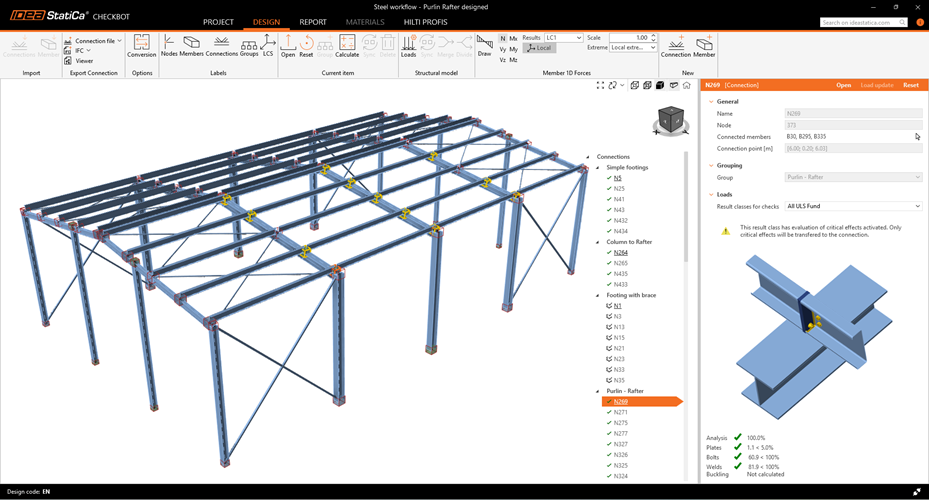
Stop checking connections one by one. Import the design from your FEA or CAD model with IDEA StatiCa Checkbot. Automatically group connections by type, load case, or model status.
- Map materials and cross-sections with ease
- Track imported items and see their check status in the 3D scene
- Design dozens of connection in one go
- Analyze critical load combinations to avoid overchecking

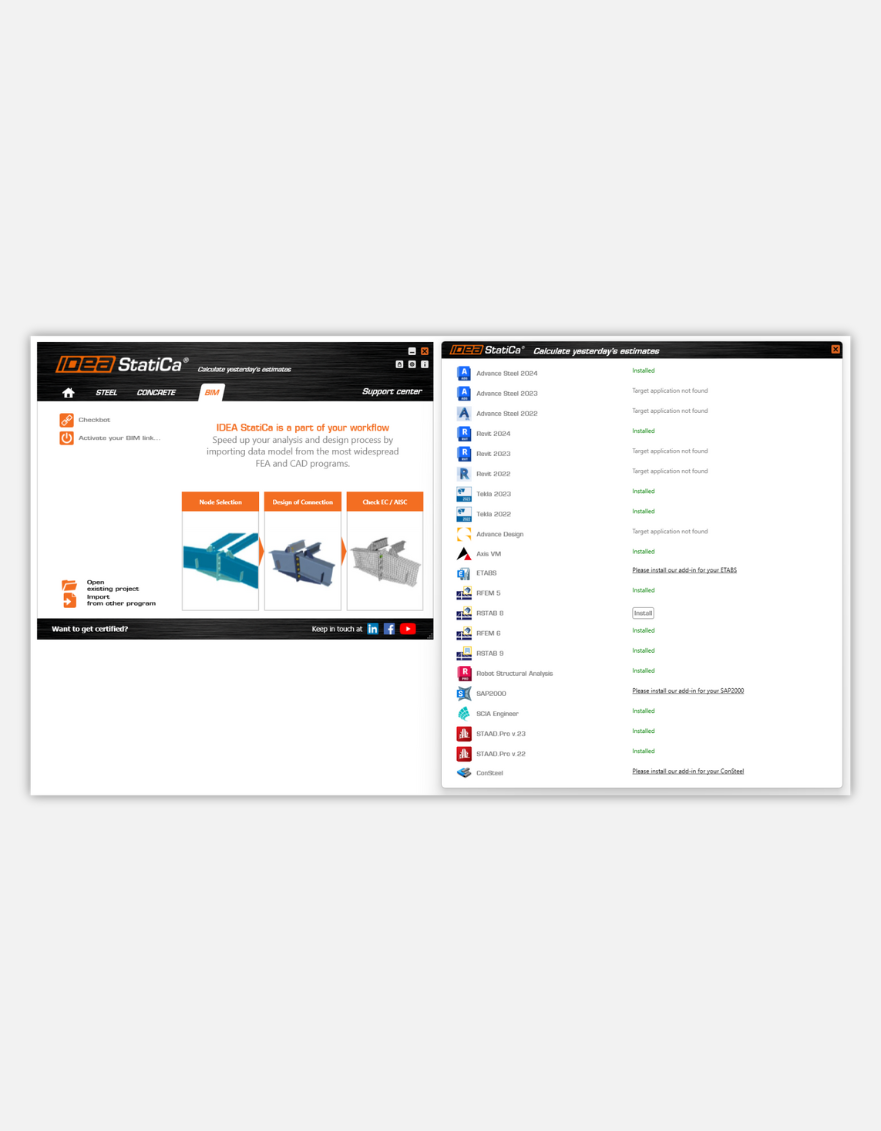
Install plugin
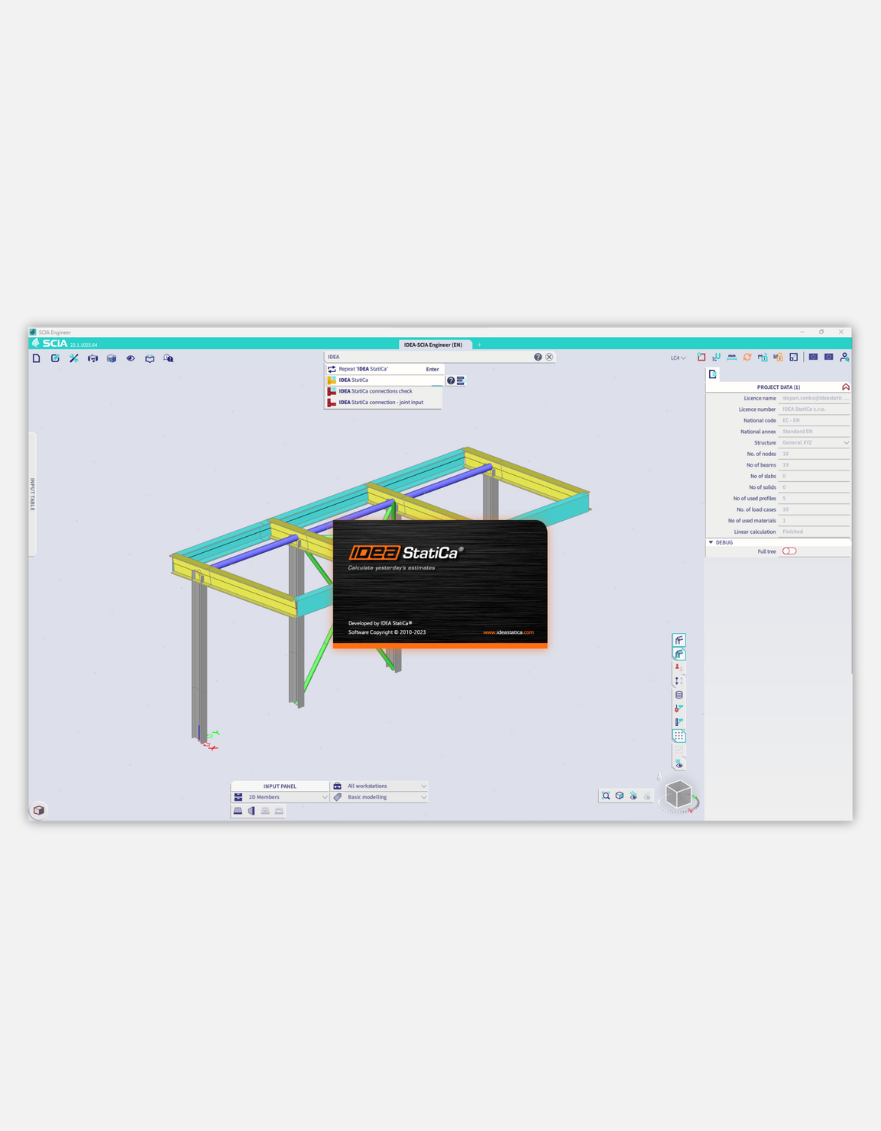
Run Checkbot
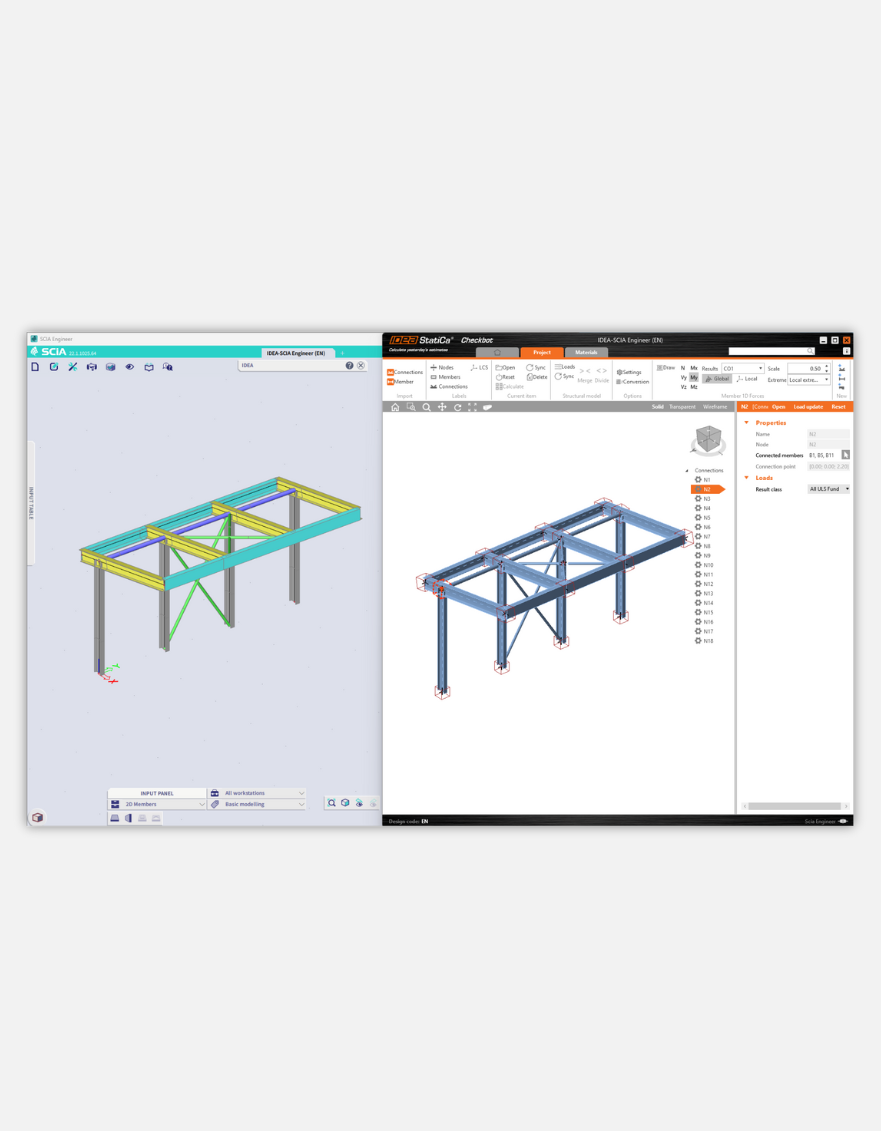
Import structure
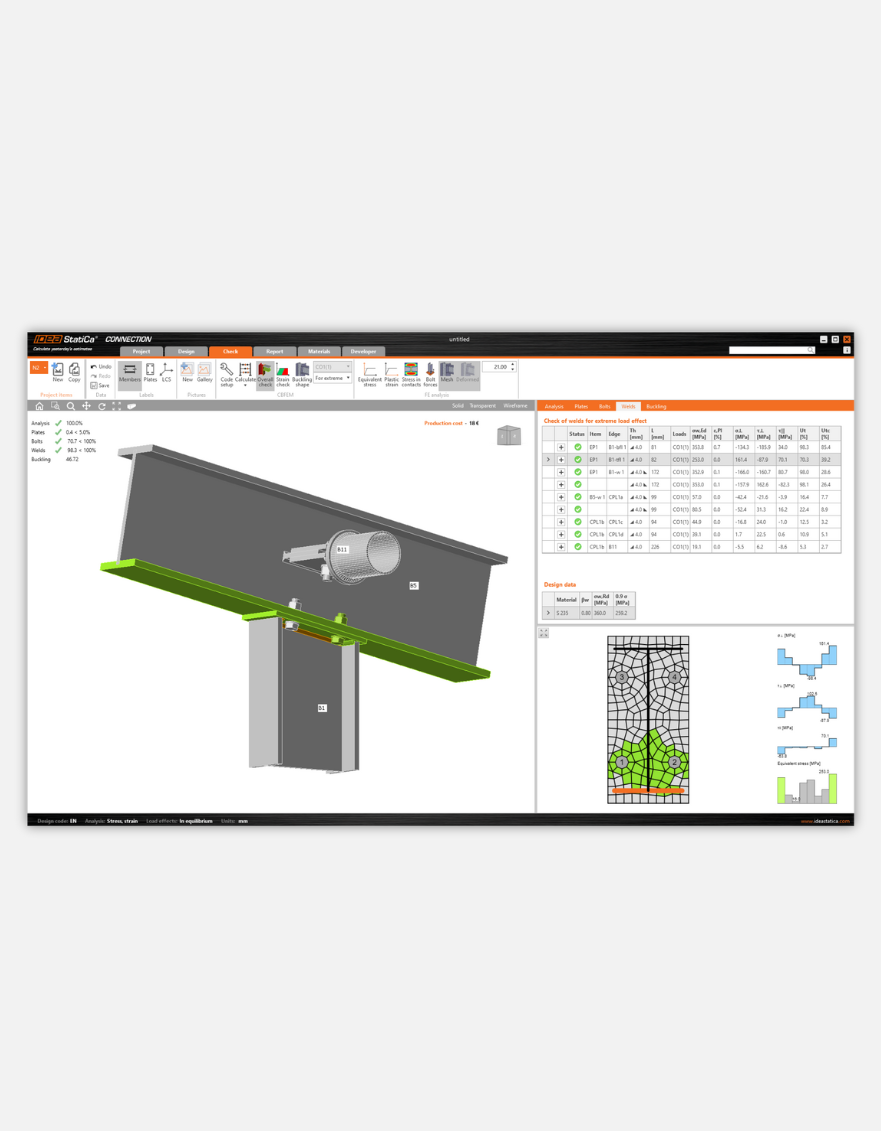
Design and check
Install plugin
Run Checkbot
Import structure
Design and check
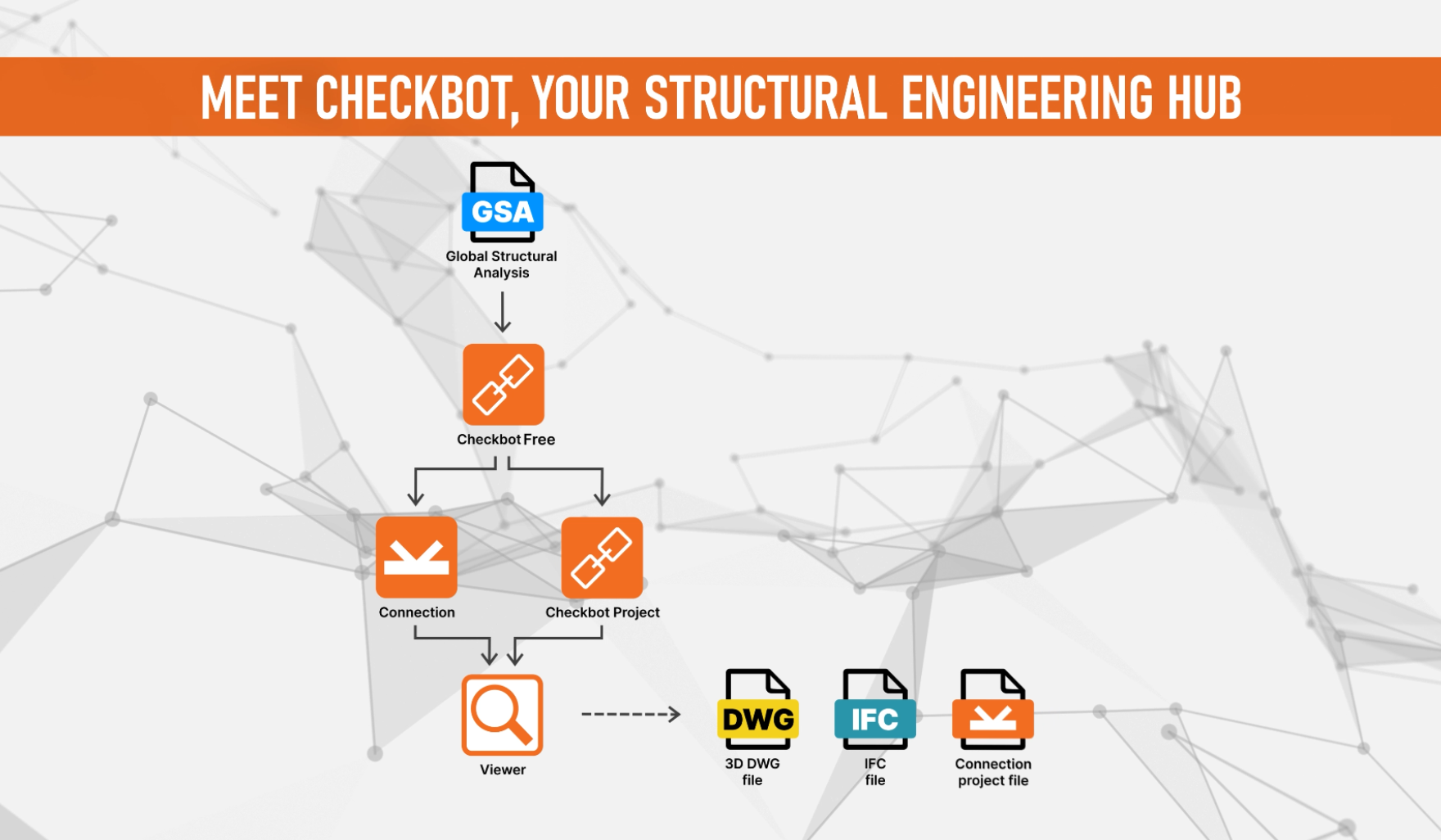
One centralized place for your FEA and CAD data
Synchronize structural details imported to IDEA StatiCa from your FEA and CAD programs. With Checkbot as a structural data hub, you can work with all of your steel elements from other applications like ETABS or Tekla Structures.
Easy to plug-in and use
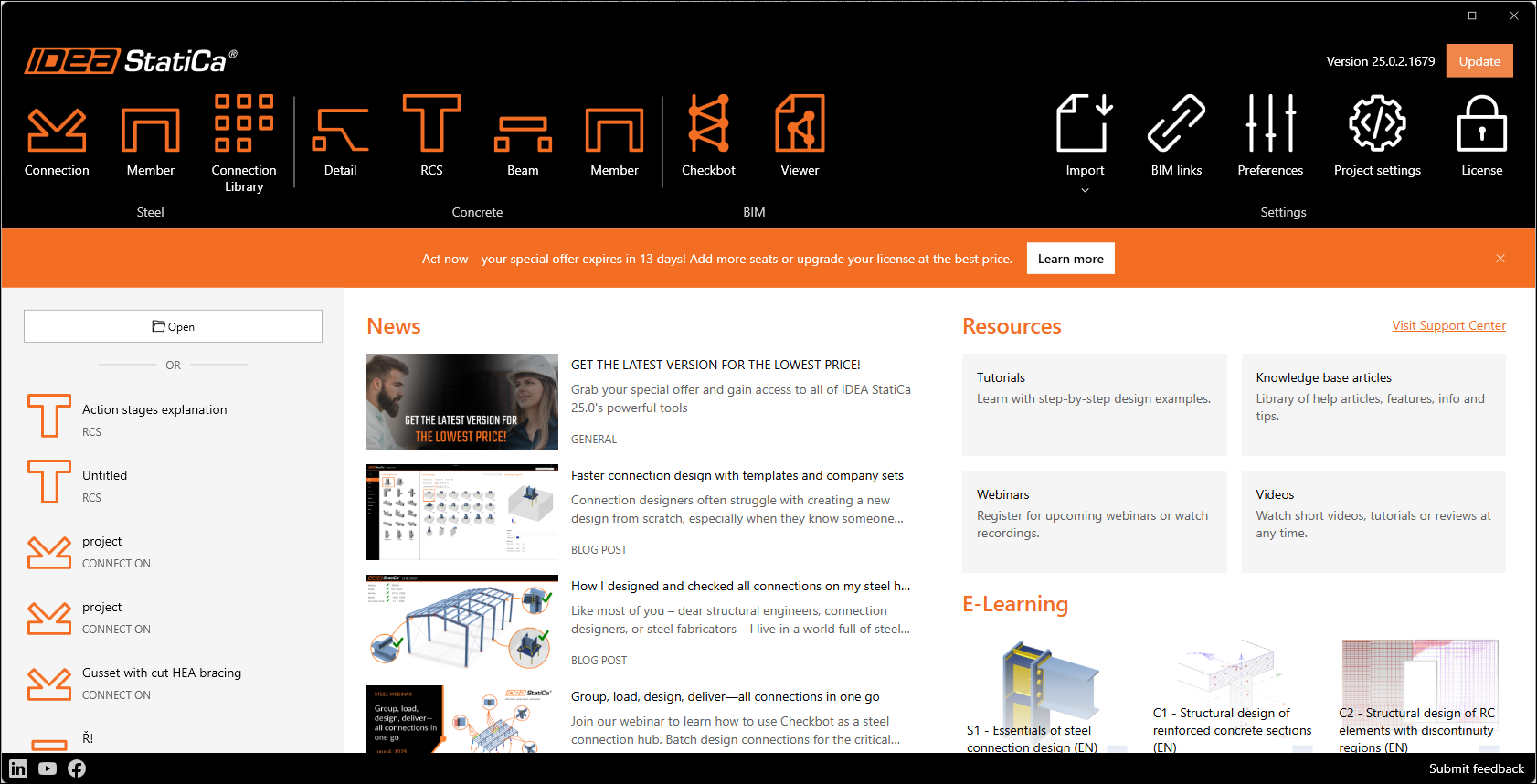
Launch IDEA StatiCa Checkbot via the IDEA StatiCa desktop application or directly within your third-party BIM and analysis software plug-in.
Free access for all teams
Reduce errors and make data transfer easy. IDEA StatiCa Checkbot is free for everyone, and with the free Viewer browser app, anyone can share and view connections or whole Checkbot projects.
Try IDEA StatiCa for FREE
Take our tools for a test drive for 14 days, or schedule a live demo call